Driving with AI
We are experimenting with a few different approaches to autonomous driving on the Ford Think Neighbor, including YOLO (Computer Vision), SLAM (Simultaneous Localization and Mapping (LiDAR)), and GPS.
To begin with, we took a look at YOLO to see if we could train a custom model to detect important objects around the vehicle. We drove the car around our school campus and collected over 2,000 photos of the car’s surroundings. We were sure to include various lighting and environmental conditions in our dataset which would permit a more robust and functional model in the end. The only downside was the fact that we had to “teach” the AI what it would be looking for. This meant that we had to go through and manually label every object in every photo. This was a time consuming process, but we were eventually able to come up with a dataset that we were proud of.
To do this, we divided our dataset into chunks and gave them to different people in the shop to do hand labeling. After a few weeks of pretty consistent work, this step was done and it became time to train our custom AI for the first time.
We then used this annotated dataset to train a custom YOLOv11 model to detect the following objects:
- People
- Other Vehicles
- Traffic Signs
- Pedestrian Crossings
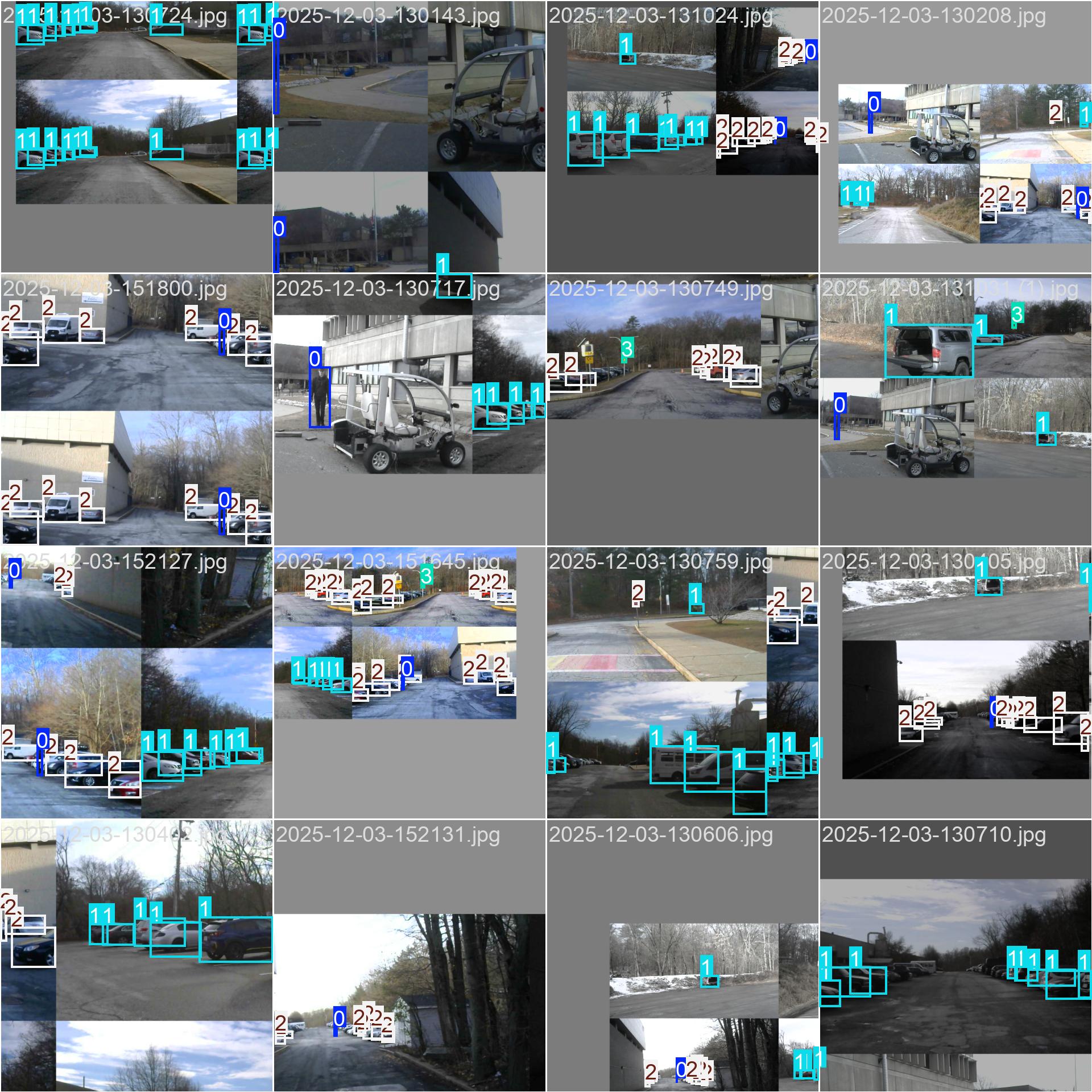
Once we hand labeled and finished training our model, we tested its accuracy. After much tweaking, we were able to achieve an mAP@0.5 of 64% and an mAP@0.5:0.95 of 39%. Not too bad, but clearly not good enough to safely drive the car autonomously by itself.
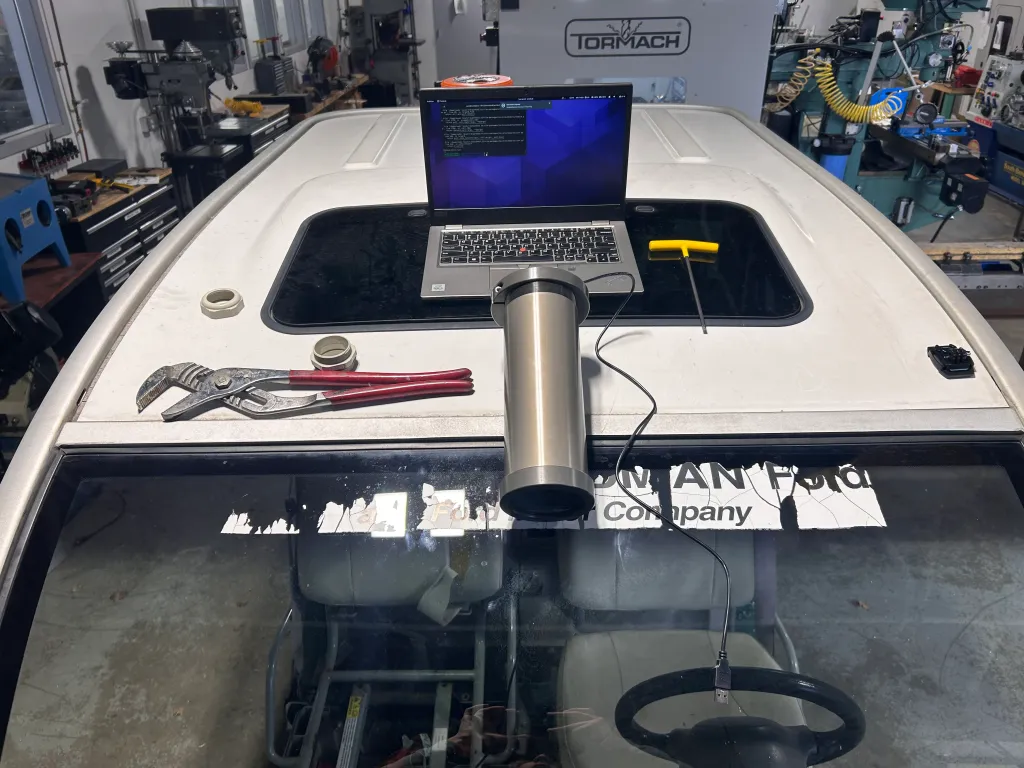
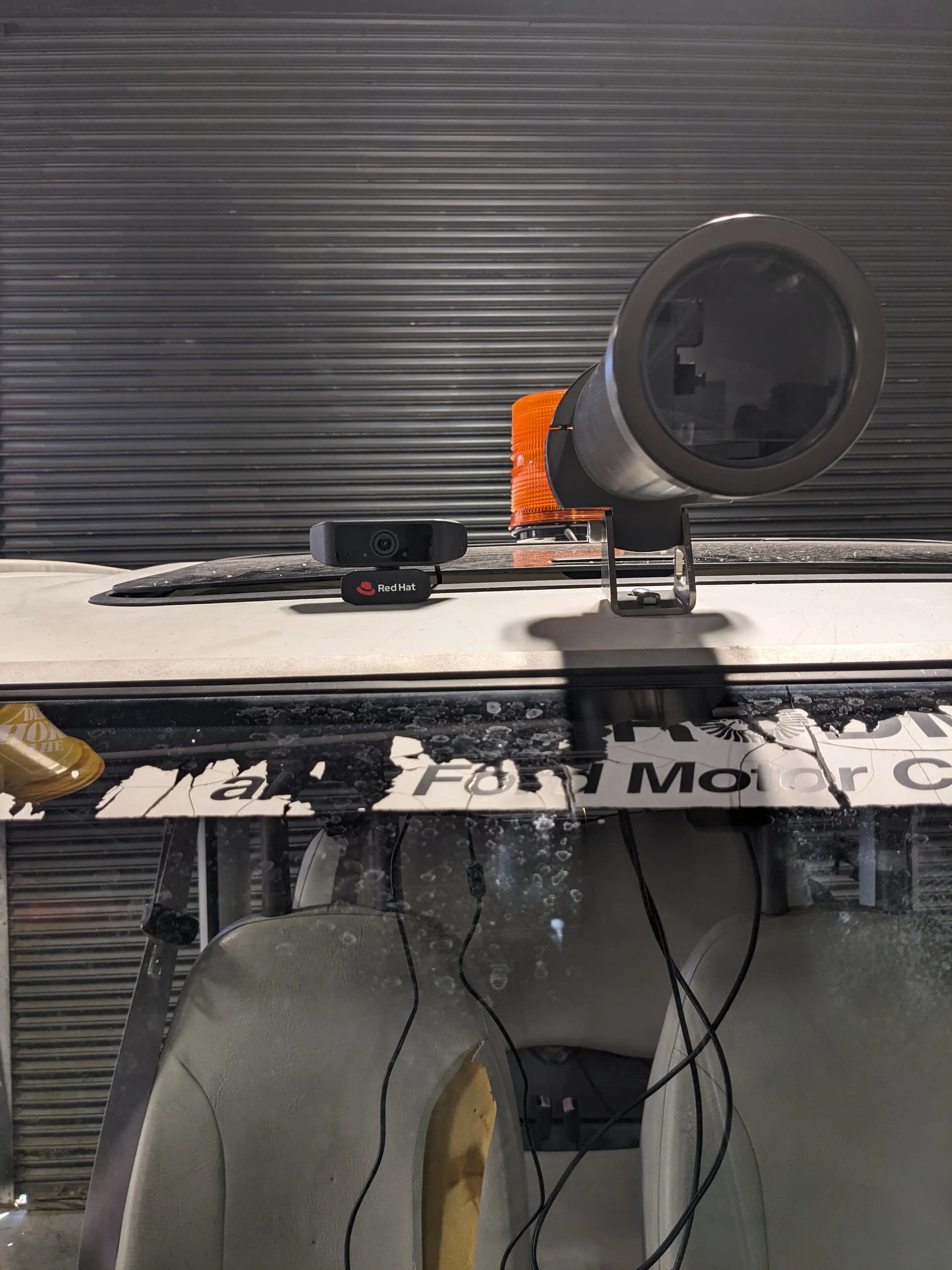
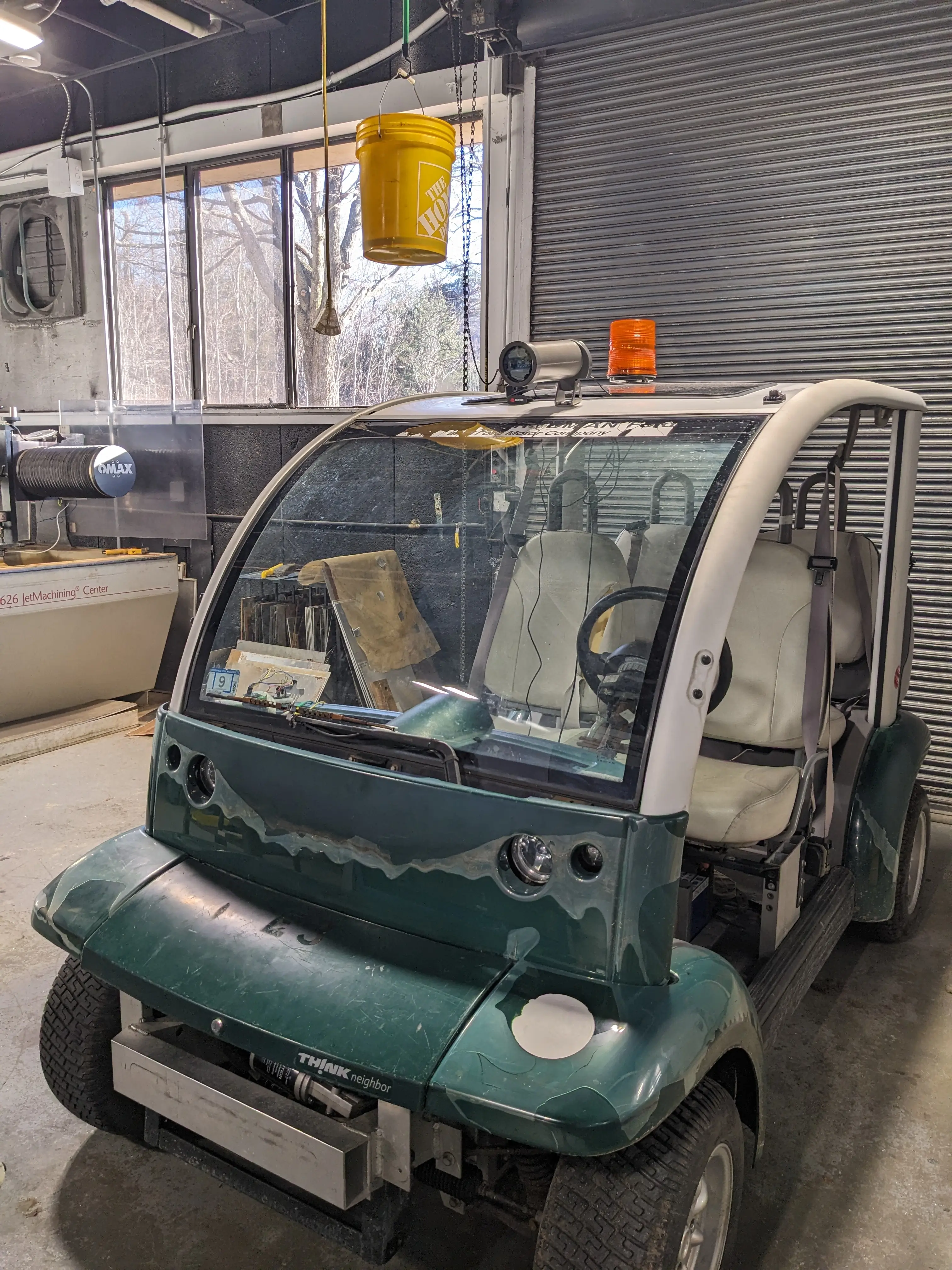
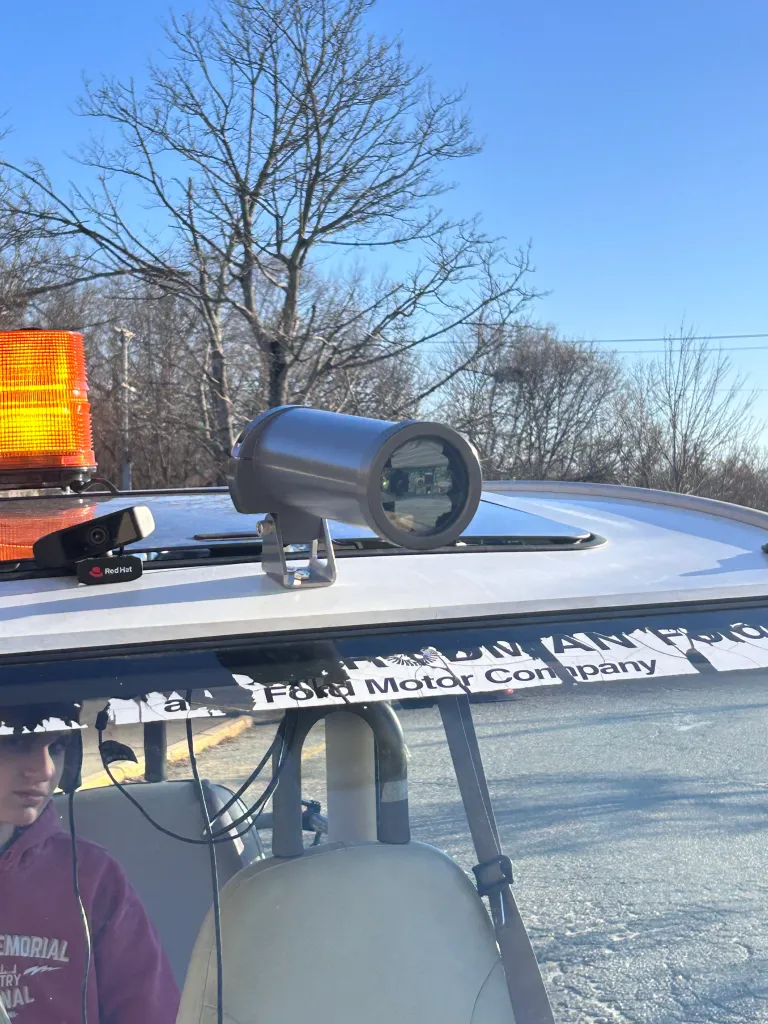
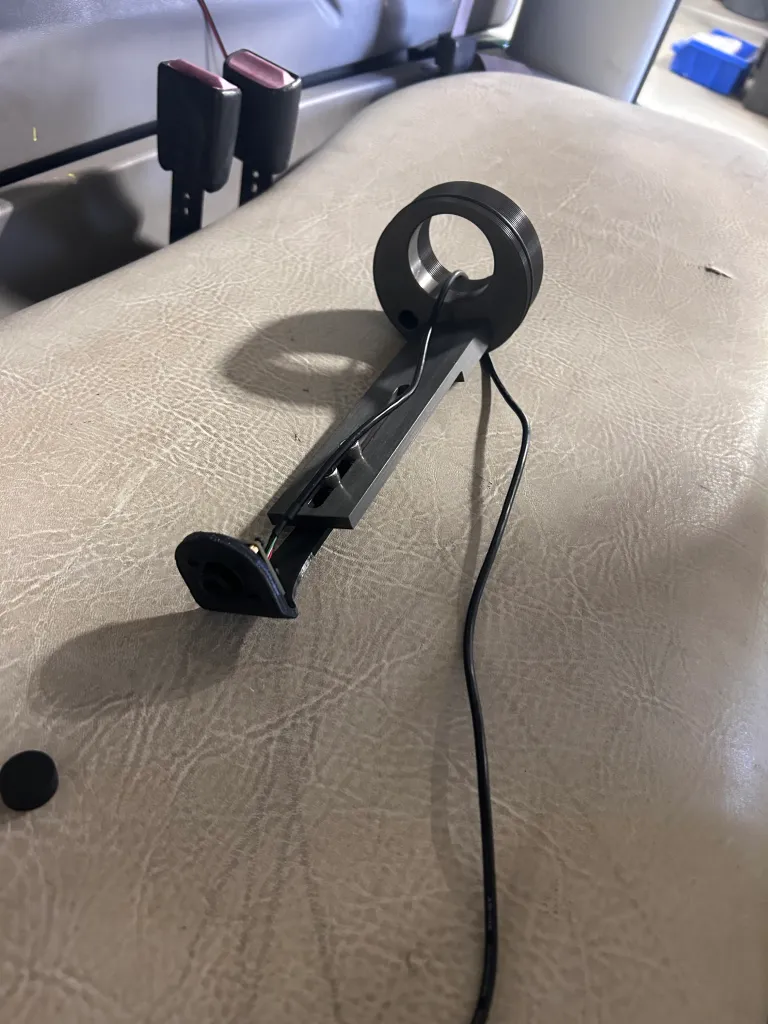
Once we had the AI trained, we upgraded the camera to be safer and have better quality. We mounted a camera housing to the top of the golf cart which provides the camera inside protection from the rain and other weather events.
Driving around with the AI running seemed to yield some promising results…
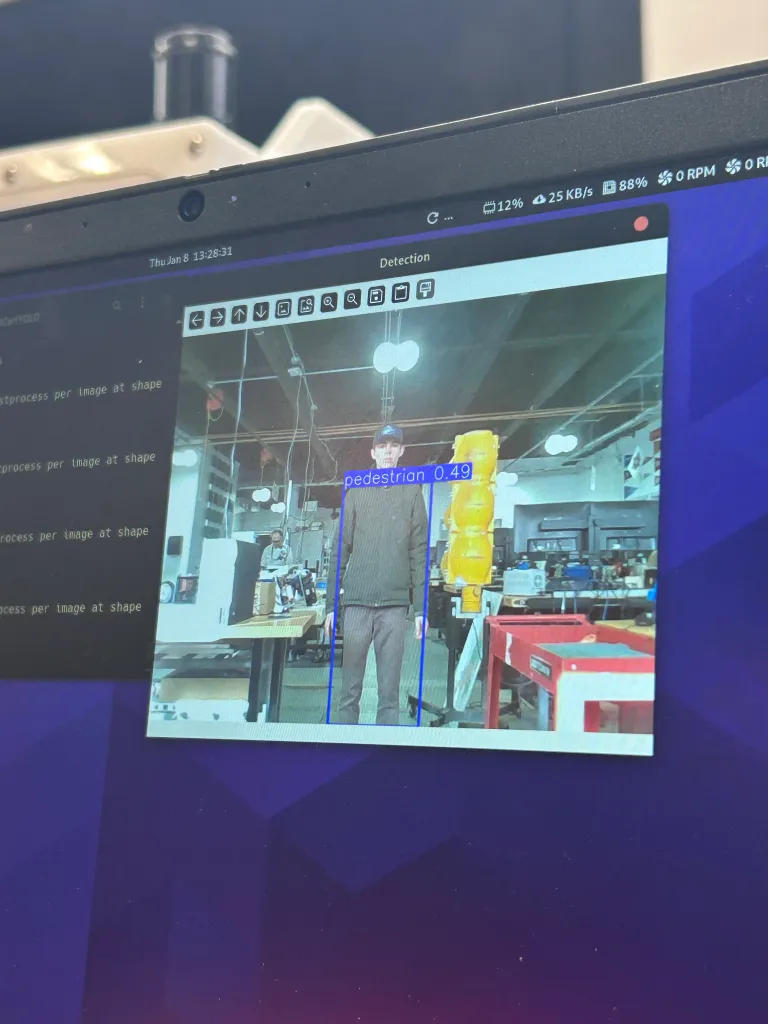
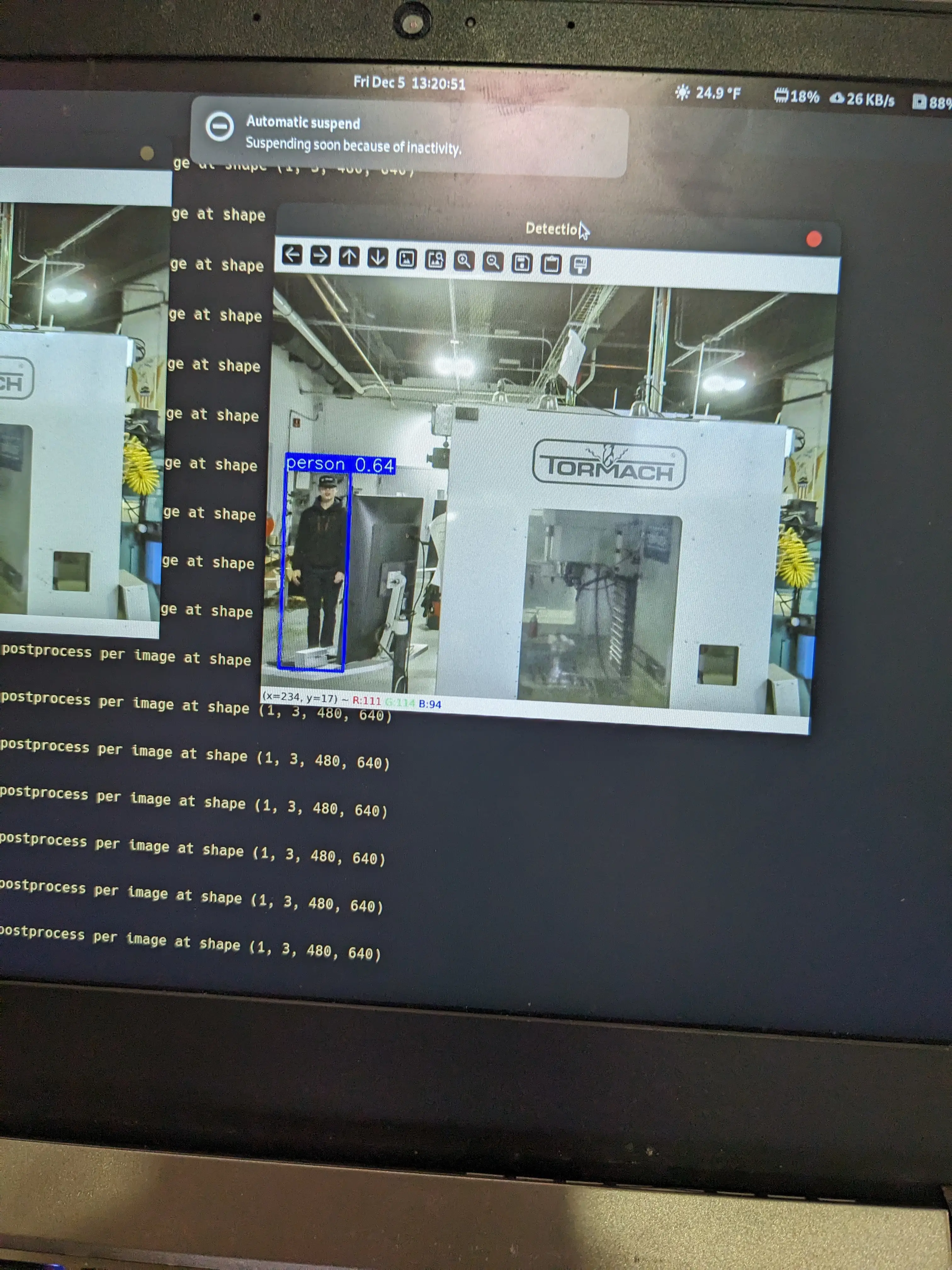
In the following video, the golf cart uses the YOLO model to autonomously track and follow a person standing in front of it: